
01 / Start
Install and open your first world
Learn where to put the development build files and what to match before playing with friends.
What you need
| Requirement | Version / purpose |
|---|---|
| Minecraft Java Edition | 26.2 |
| NeoForge | 26.2.0.77 |
| Java | 25 |
| GeckoLib | 5.5.5 · for NeoForge 26.2 |
| Master of Nuram | 0.1.2 · use the same build as everyone you play with |
Install in a new profile
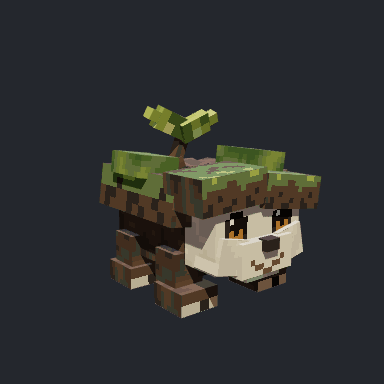
Illustration · Nuram shown as an example
Separate profile
Create a Minecraft 26.2 + NeoForge profile separate from your existing modded setup.
Mod files
Open that profile's game folder in your launcher. Put the Master of Nuram mod JAR and GeckoLib JAR in its mods folder. Do not add sources JARs or internal libraries separately.
Java environment
Make sure the profile uses Java 25, then launch the game.
First world
Start with a new world. Once you join, press N. If the Nuram equipment screen opens, you are ready to prepare for your first hunt.
Playing with friends
On a private server, install the same two mods in the server's mods folder. Match the Minecraft, NeoForge, GeckoLib, and mod builds on both server and clients. Development builds can differ even when their displayed version names match. The current distribution instructions use protocol version 9.
Single-player, LAN, and private servers use the same rules. No official server or separate central account is required.
Game version: 0.1.2